
UGREEN NASync DXP4800 Pro Review: A Fast Private Cloud
I tested the UGREEN NASync DXP4800 Pro to see if it can replace iCloud. Here are the transfer speeds, media transcoding tests, and daily power draw.
Bekijk de video op YouTubeThe fastest way to stop paying monthly cloud storage fees is to put a fast box on your local network, and the UGREEN NASync DXP4800 Pro actually delivers the speed needed to make that bearable. Backing up raw video footage and thousands of phone photos over standard gigabit networking usually feels painful. With a 10GbE port, dual NVMe slots, and a 13th Gen Intel Core i3 chip, this box hits transfer speeds high enough that local storage stops feeling like a chore.
I have been running UGREEN hardware under my desk for months to back up my phones, offload camera footage, and stream media around the house. When UGREEN sent over the DXP4800 Pro, I put it through real transfer tests, ran high-bitrate video streams through Jellyfin, and measured its actual power draw at the wall.
Hardware specs and what comes in the box
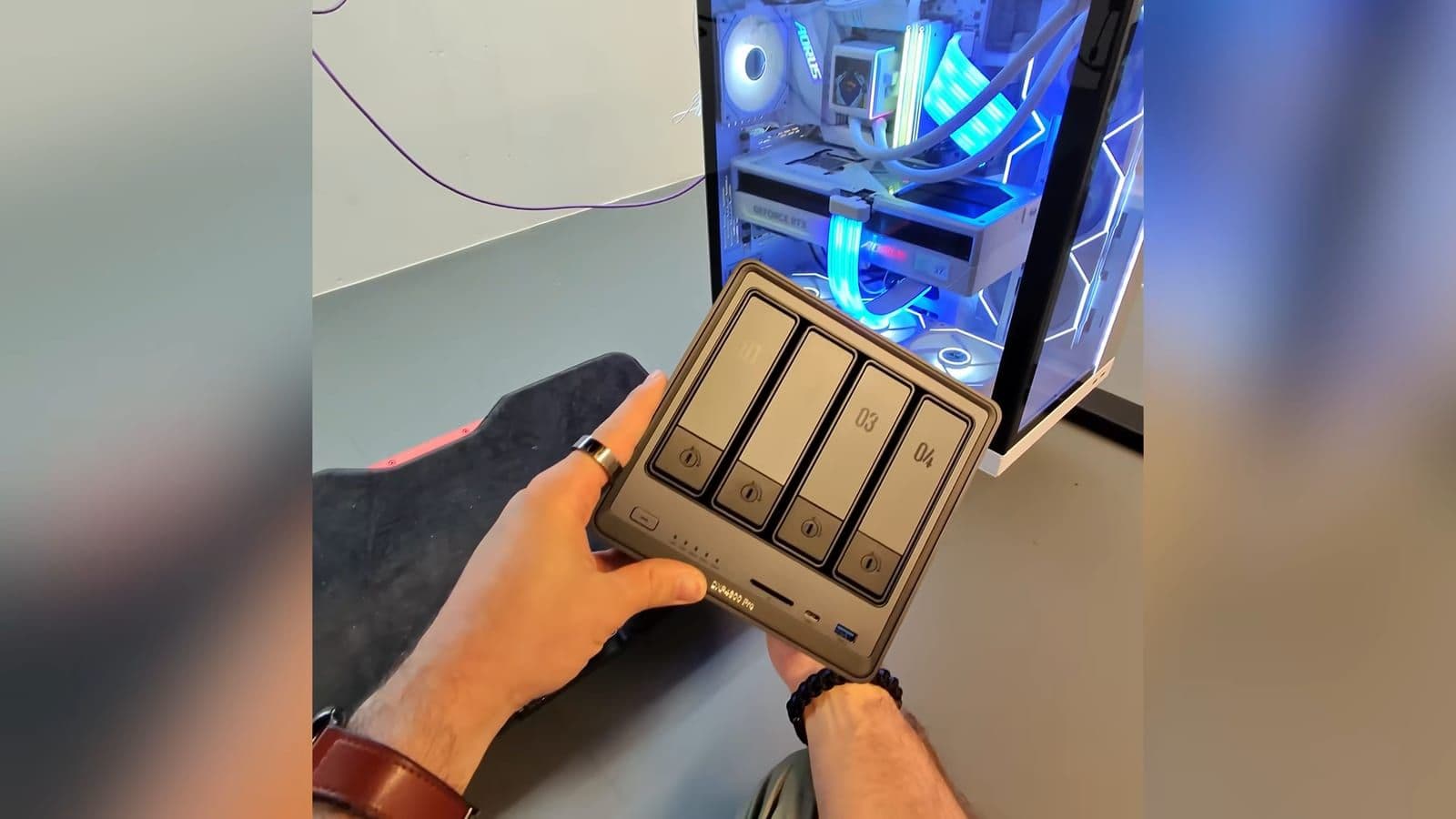
Most consumer storage units in this price bracket arrive in lightweight plastic enclosures. The DXP4800 Pro is built out of thick, matte metal that feels like serious hardware. As I said during my first look, the whole vibe is more mini server for grownups.
Inside the box, UGREEN includes everything required to get running immediately. You get the external power brick, power lead, two Ethernet cables, a small screwdriver, screws for 2.5-inch drives, and two physical keys to lock the drive caddies. You do not need to hunt through your toolbox for screws before setting it up.
Here are the core hardware specifications:
- Processor: 13th Gen Intel Core i3-1315U (6 cores, up to 4.5GHz)
- RAM: 8GB DDR5, expandable up to 96GB across two SODIMM slots
- Storage: 4 SATA bays for 3.5-inch or 2.5-inch drives, supporting up to 144TB total
- High-speed storage: 2 M.2 NVMe PCIe slots
- Operating system drive: Dedicated internal 128GB SSD
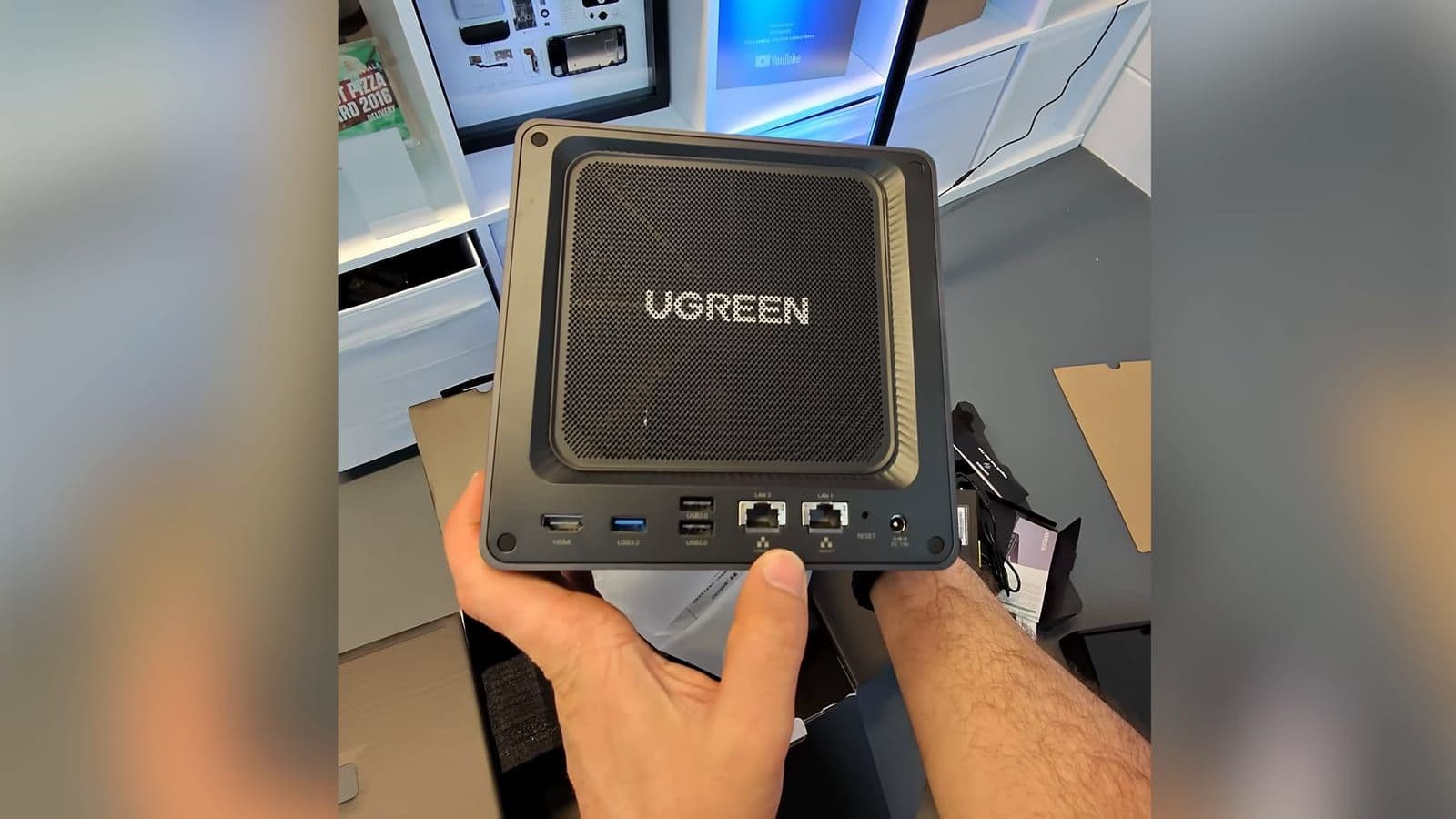
- Networking: 1x 10GbE RJ45 port and 1x 2.5GbE RJ45 port
- Front ports: 1x 10Gbps USB-C, 1x 10Gbps USB-A, SD 3.0 card reader
- Rear ports: 1x HDMI 4K output, 1x 5Gbps USB-A, 2x USB 2.0 ports
One hardware decision I really respect is the internal storage layout. Underneath the chassis is a service door that reveals the memory slots and dual NVMe bays. Tucked inside is a dedicated 128GB SSD specifically reserved for UGOS Pro. Cheaper NAS solutions install their operating system across your primary storage pool, eating usable space and creating clutter. Keeping the OS separated on its own flash drive is a cleaner, more reliable approach.
Setup and everyday port connectivity
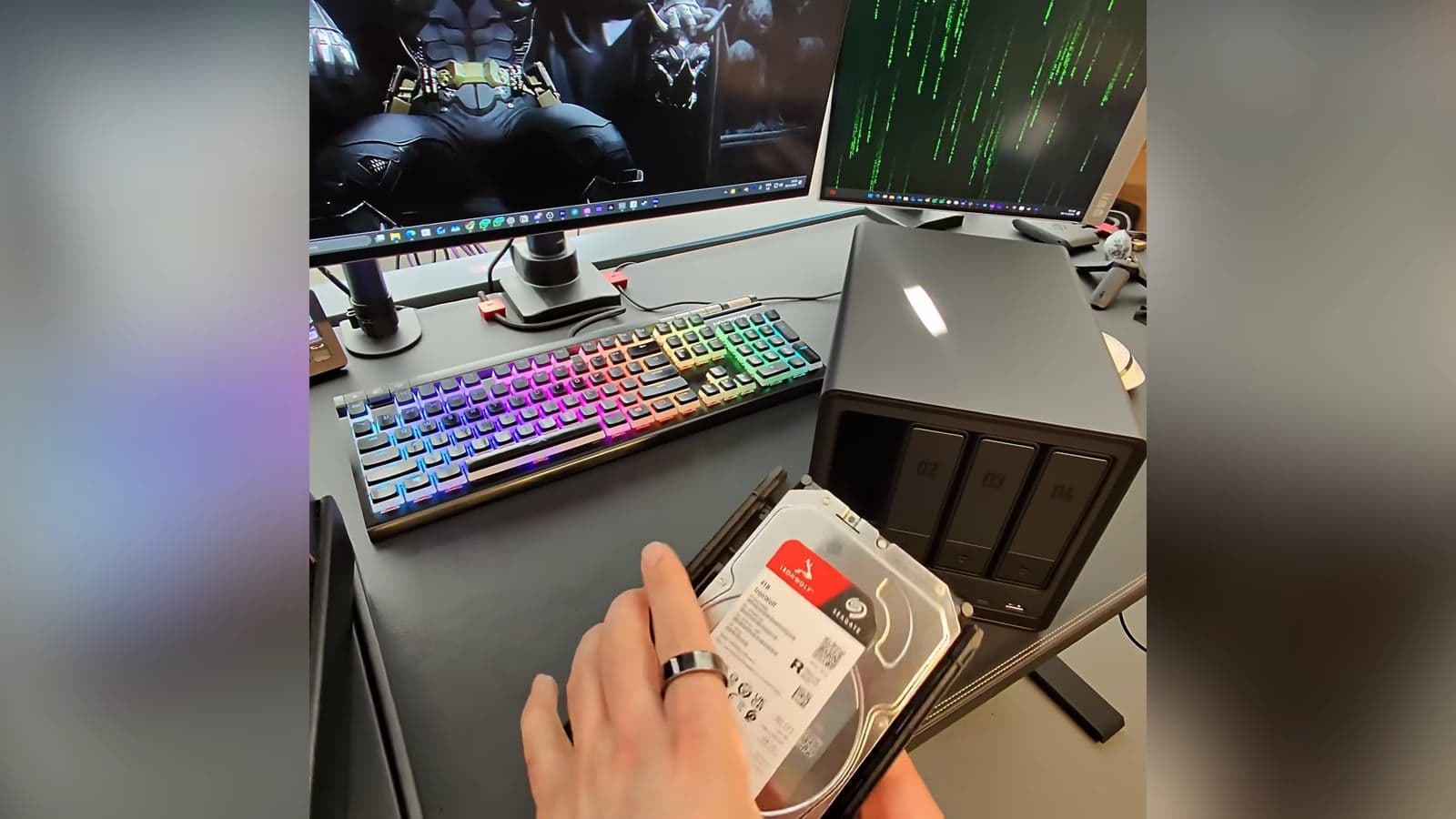
The drive trays on the front use a toolless latching design for standard 3.5-inch mechanical drives. You pull the tray out, snap the drive into place with side clips, slide it back into the bay, and lock it using the bundled key. If you use smaller 2.5-inch SATA SSDs, you will need the included screws.
On the front panel, you have quick-access ports that creators will actually use. The SD 3.0 card slot and the 10Gbps USB-C port sit right next to the power button. If you come back from a video shoot, you can plug in an external SSD or pop your camera card directly into the front without reaching around the back of your desk.
Around the rear, the combination of 10GbE and 2.5GbE networking gives you plenty of routing flexibility. If your main house network runs on standard 2.5GbE or 1GbE router switches, you can leave the secondary port connected to your home LAN. At the same time, you can plug the 10GbE port directly into a workstation with a 10GbE adapter for high-speed file dumping.
Real transfer speeds over 10GbE and NVMe
Slow transfer speeds ruin the experience of using network storage. As I put it in the video, every time you move big files, it feels like the year 2009. If a local backup box is slow, you simply stop using it and go back to paying for cloud storage.
I tested the DXP4800 Pro on a 10GbE network connection using four mechanical hard drives running in RAID 5. Sequential read speeds consistently settled between 450 MB/s and 500 MB/s. Sequential write speeds landed between 300 MB/s and 350 MB/s. That is roughly four times faster than what traditional gigabit home networking can deliver.
When I installed two fast NVMe SSDs into the bottom slots and tested transfers to that storage pool, speeds jumped to roughly 660 MB/s to 680 MB/s. It does not completely max out the theoretical limit of a 10GbE copper interface, but copying a 60GB raw video folder takes less than two minutes. That speed completely eliminates the feeling that every large copy feels like watching paint dry.
Keep in mind that NVMe drives are currently expensive on the open market. Outfitting two multi-terabyte NVMe drives will add a noticeable chunk to your initial build cost. However, mechanical drives in RAID 5 already deliver enough throughput over the 10GbE connection for everyday video editing caches and photo archives.
Replacing iCloud and phone backups with AI Photos
The main reason I run local network storage is simple. The biggest value I got out of that box was super simple: no more iCloud subscription. Paying every single month just to avoid a full phone notification gets old quickly. It is all about less renting, more owning.
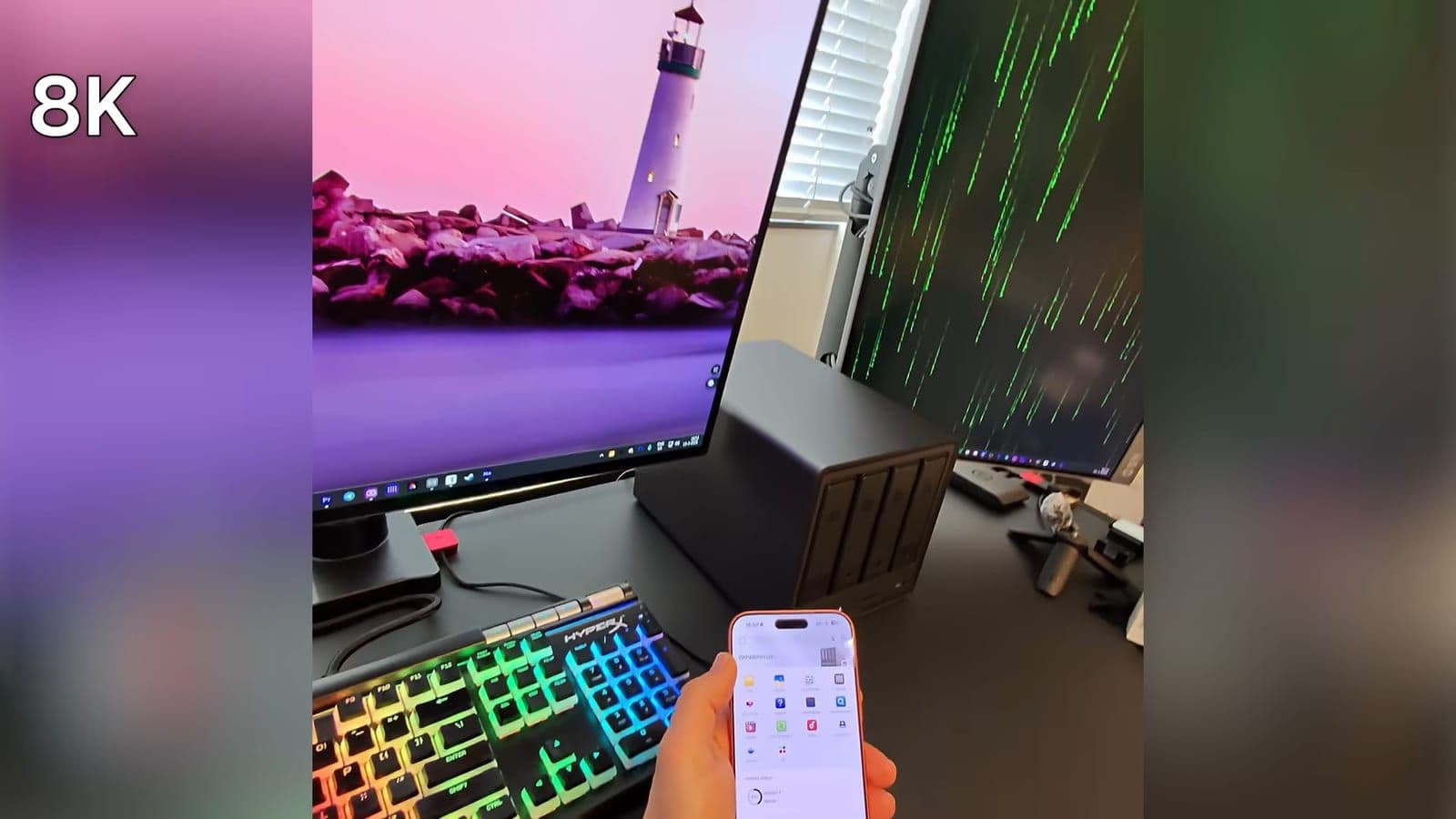
UGREEN provides client apps for iOS, Android, macOS, Windows, and smart TVs. Once you install the app on your phone, you turn on automatic photo backups over your home Wi-Fi. Every picture and video clip you take syncs quietly back to your private pool of hard drives whenever you connect to your home network or access it remotely.
What makes the experience usable compared to basic file folders is the built-in AI Album Assistant. The software processes images locally using the Intel processor, without uploading your private pictures to third-party servers. It builds face recognition libraries, recognizes pets, and tags objects like cars or fruit. You can type words into the search bar and find matching photos across years of archives within seconds.
4K and 8K media playback with Jellyfin transcoding
Many cheap network drives choke when you ask them to manage background backups while streaming media. The Intel Core i3-1315U inside the Pro model changes that equation entirely.
I installed Jellyfin through the UGOS App Center to test high-bitrate video streaming across my home network. The system handled direct streams and hardware transcoding for demanding 4K and 8K video files without stuttering. GPU load remained very low during live transcodes, and the CPU stayed cool under continuous playback.
In my own living room setup, I regularly stream uncompressed 4K media directly to a high-end external player. When I click on a movie file, I press play and it works right away. You do not sit waiting for a buffering wheel. If you want a box that acts as a dedicated home theater media hub alongside Docker containers, this hardware handles it cleanly.
Power consumption and running costs
Because this unit runs an active Intel desktop-class processor and high-speed networking, it does not sip power like a tiny ARM-based hard drive dock. You should factor electrical draw into your calculations if you plan to run it around the clock.
When idling with four drives spun down, the unit draws around 28W from the wall. During moderate day-to-day loads, like photo syncs and streaming playback, power consumption hovers between 58W and 59W. When pushing heavy multi-gigabyte transfers across 10GbE while running containers, power draw rises into the 80W to 85W range.
The rear exhaust fan keeps drive temperatures stable, but you will hear air movement when the drives are working at full speed. It is best placed on a sturdy shelf, under a desk, or in a utility cupboard rather than right next to your pillow.
On 20 March 2026, the DXP4800 Pro was priced at €662.99 in Europe and $662.99 in the United States. You can check current pricing on the UGREEN official NL store, the UGREEN official US store, or find promotional deals via Amazon NL and the Amazon US store.
Who should buy this and who should skip it
This is not a fake upgrade; it is also not a magic revolution. It is a solid, capable tool with clear strengths and trade-offs.
Who should buy the DXP4800 Pro:
- Creators and video editors who need 10GbE network speeds to move massive projects quickly.
- Power users wanting to run Docker containers, virtual machines, and home media servers without lag.
- Anyone paying high monthly subscription fees for multi-terabyte cloud storage who wants a private, local alternative.
Who should skip it:
- Casual users who just want to back up a single phone camera roll once a month. A simpler box like the DH4300 Plus is much cheaper and uses less power.
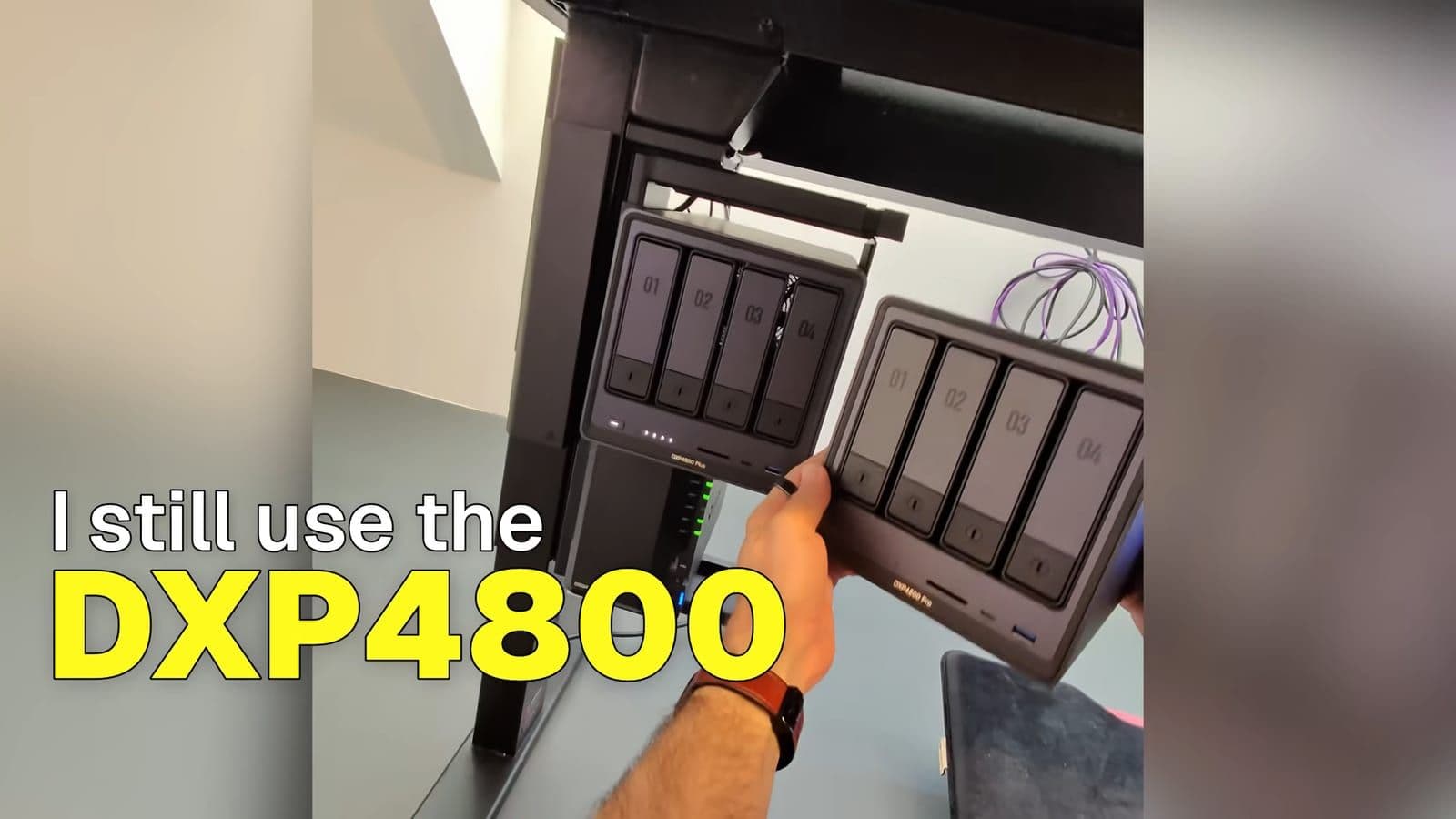
- People who already own the DXP4800 Plus. While the Pro offers more CPU headroom and extra networking, it does not warrant replacing a Plus model that is already running well.
Frequently asked questions
How does the DXP4800 Pro compare to the DXP4800 Plus?
The DXP4800 Pro steps up to a faster 13th Gen Intel Core i3-1315U processor and includes native 10GbE networking alongside a 2.5GbE port. The DXP4800 Plus is slightly less powerful, making the Pro the better option if you plan to edit off the NAS or run virtual machines. If you already own the Plus, upgrading to the Pro is not necessary.
Can the DXP4800 Pro completely replace iCloud photo backups?
Yes, you can install the UGREEN mobile app on iOS and enable automatic camera roll backups over Wi-Fi. The built-in AI Album Assistant indexes faces, pets, and objects locally on the device without uploading files to third-party clouds. Once initial synchronization finishes, you can safely cancel recurring monthly storage subscriptions.
How loud is the fan and how much power does it draw?
At idle with four drives running, the system consumes roughly 28W, climbing to between 58W and 85W under active file transfers and transcoding tasks. The rear fan keeps drives cool effectively, but under heavy workloads the fan noise is audible. It is well-suited for a home office or rack setup rather than a quiet bedroom.